

Background
I love learning, and I love writing (I’m taking new writing assignments all the time). But, I’m never consistent about it. I try to be, but its difficult sometimes. Even when writing my book, there have been times when I have been very inconsistent in my writing periods. So, to improve, I’m just going to write more.
So the next thing was, “what do I write about?” and once I got to thinking about it, I realized I wanted to start a series where I start as a novice of some sort of technology or platform and bring my expertise up to a higher level over the course of a month. It sounds good, it looks good so that’s what it became. That is how Base to Ace came about.
So, now the next question was “what technology do I want to write about?”. Well, I’m not a person that thinks about these things too much so I started out with whatever immediately popped into my head at the time and that was: Ruby on Rails. And that’s how we got here. Ruby on Rails for the month of September.
Introduction
I tackled Ruby on Rails first by going through the hundreds (I mean this literally) of tutorial sites that are available to the avid learner. I finally landed on two courses: LinkedIn learning (free now that I’m a university student again) and GoRails (free with the GitHub student developer pack). I’d looked at Ruby in passing a couple of times so to refresh my knowledge I took the GoRails basic Ruby course first.
Step 0: Basic Ruby
I installed Ruby on my device (very basic stuff on Linux really, just some apt commands). Just look through their documentation for it. Once I did that, here’s some basic stuff that I refreshed on:
I learned to use the irb command line tool.
I learned how to run
puts “Hello, World!”to print out the old classic, that’s always fun.There is a lot of the same bones as Python, its very interesting looking at this approach.
An integer that is 2,000,000 can be separated and written as 2_000_000.
The spaceship operator (<=>) is very unique, I’ve never encountered it before. Also a snug concept for comparing values.
The syntax is even more rudimentary than Python. You’ll have to be careful here. You can write something like 4.5.ceil where there is 4.5(float) and .ceil(operation) which can be confusing, you can add operations after that too.
The stuff that this language has for basic data types is interesting. There’s a function called prepend() just to add an element as the first element in an array. Very specified.
The way that Ruby does some things is so different. Parsing and getting specific JSON values in particular are incredibly unique.
There is an anti-if called
unlessand an anti-while calleduntil. It’s interesting language design.Every code block ends with
end. And if not end with { }It’s a language obsessed with conciseness.
Implicit self methods on classes is an interesting concept.
Final conclusion: If you’ve ever used any programming language, you’ll find Ruby to be simple enough. Like, literally any programming language. It’s just the basics.
Now, I moved over to the LinkedIn Learning Rails 7 course.
Step 0.5: IDE
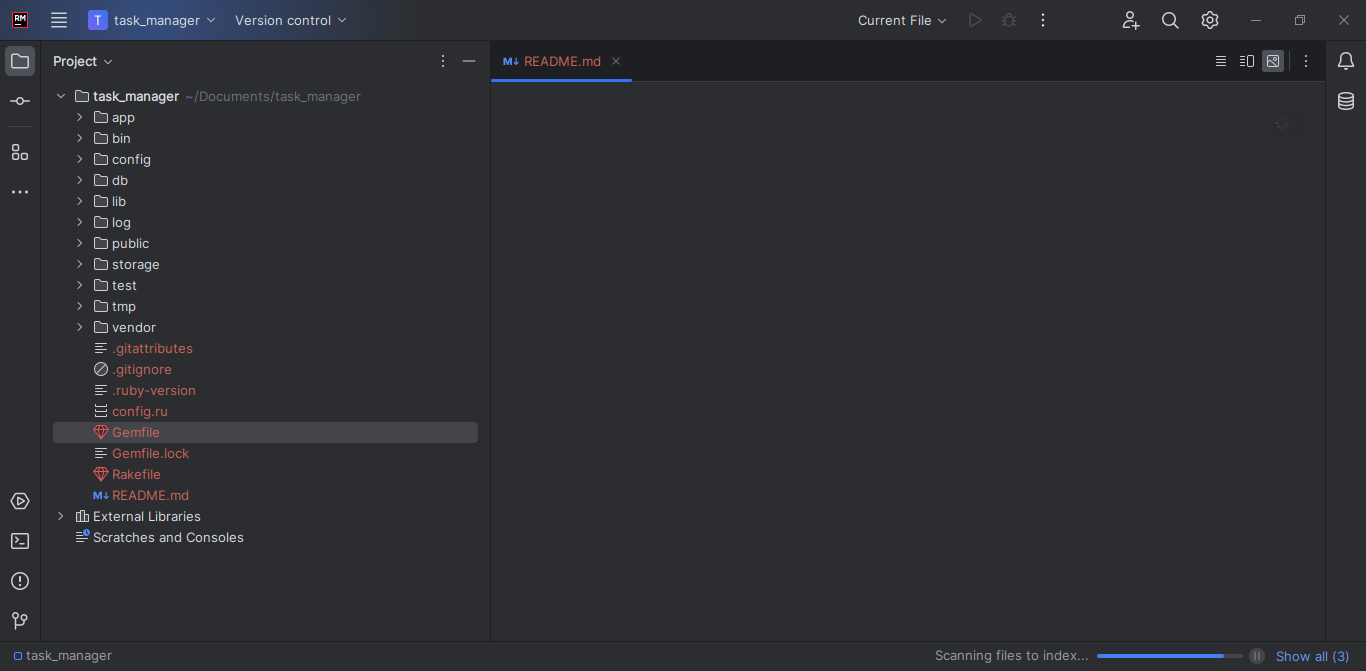
I took even greater advantage of my student status and acquired the RubyMine IDE by JetBrains. If you’re trying out Ruby, I’m told VSCode works just as well, but I wanted a specified IDE here so that the extensions on my VSCode workspace don’t become cluttered.
Step 1: Setup Rails
To setup a new Rails project you use the following command:
rails new <insert_project_name_here>
So far, the experience that I have had with Rails has been very similar to the experience I had with Django. There is the MVC architecture for one and it also is heavily configuration-based just like Django. Indeed, on thing that has carried over from Django is the fact that the app initializes with SQLite as a default database. There were a few struggles creating the project. If you’re on Linux, here’s a couple of links for problems you might encounter:
https://stackoverflow.com/questions/62965073/gemextbuilderror-error-failed-to-build-gem-native-extension-keep-getting
https://stackoverflow.com/questions/14986663/gem-install-psych-error
You’ll know if you get there.
You can create your databases by using the command:
rails db:create
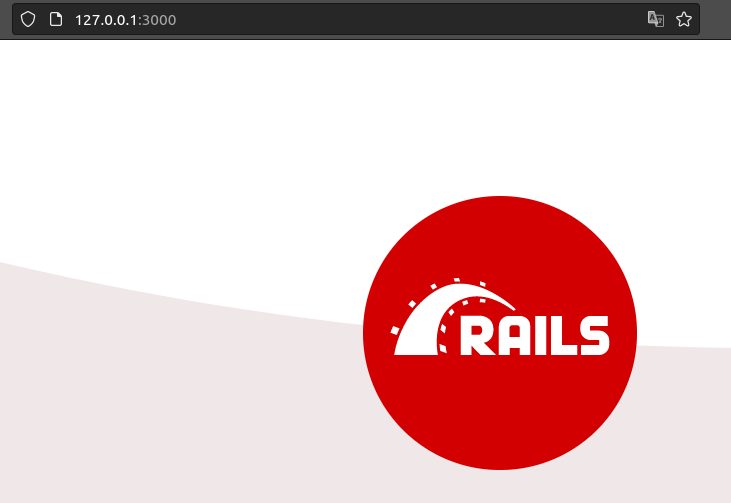
And then open a your rails server on localhost:3000 with:
rails server
Now the following commands can be used to generate views in a controller along with the controller itself.
rails generate controller <controller_name> <views_names>
The final URL of the view generated will be <site_name>/<controller_name>/view
You can also create custom root routes.
Conclusion
So, that was kinda fun. Getting back to the old roots, learning a new language and a new framework. I’m excited to be working on it and adding a new tool to my tool belt. It also helps me refine my learning style because a lot of what I learned before in coding and in the cloud had been quite haphazard and without direction. Here, I have time and direction. And hopefully this helps out you, the audience, as well.