

It has been two years since I was asked this question in Turin on a Devfest, and it has been about a month since Google answered it in full: “When will Gemini be integrated into Apps Script?” Well, the answer came quite recently and I must say, compared to some of the other integrations I have seen for AI in Google Workspace and other services, this one is useful more often than not. For this first part, it is simply going to be an intro and of how we will approach Gemini in Apps Script.
The Side Panel
The side panel is very hit or miss, I have no qualms in saying that, there are some services in Workpsace that I do not use it at all, but it is quite useful in a couple of them and its sibling equivalent in Google Cloud is quite good as well. This integration in Apps Script might be the most reasonable thing ever. So, if you’d like to take a look or recreate this in Apps Script yourself, go to script.google.com/u/0/home/projects/create and then find the side panel on … the side of the panel (if you have the correct Workspace SKU that is):
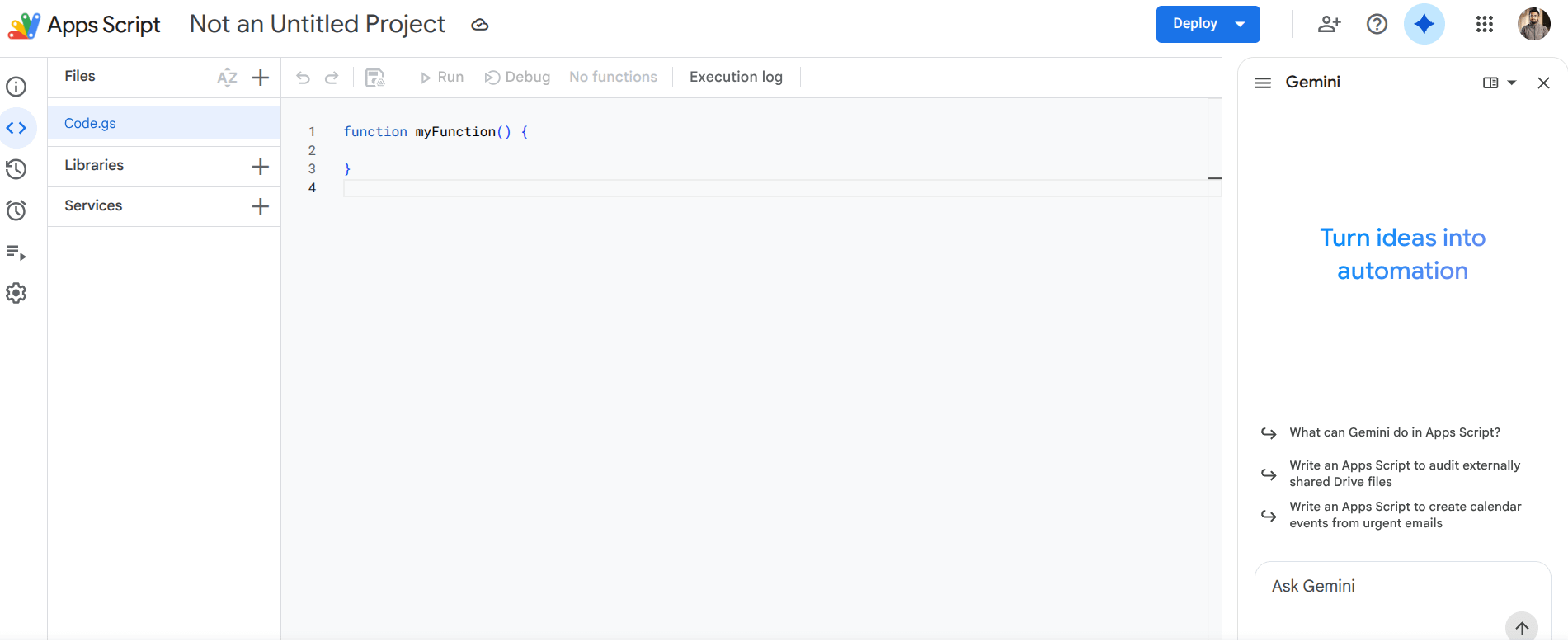
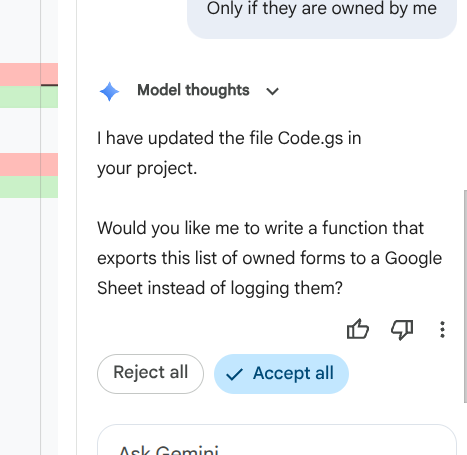
You can use it now on a pre-existing project, but lets start from scratch here and prompt it to create an API to list out all the Google Forms you own. Now the thing to note here is the Accept and Reject flow, which is my favorite thing about the AI in Google Colab as well, and this is the ideal place to use that (as opposed to the insane way its used in most AI CLIs).
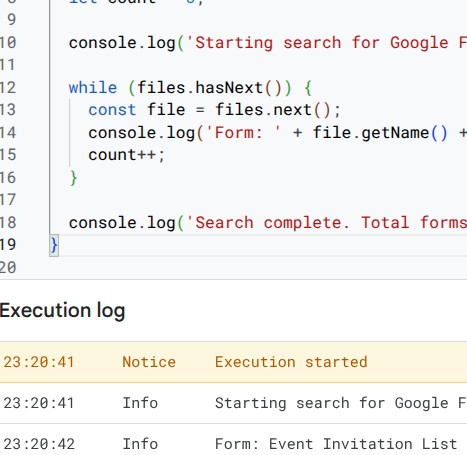
And it works:
Conclusion
So, easy step 1. It’s a bit of a niche, you have to be using Apps Script on Workspace and write apps in a way that would benefit from this approach. But over the coming weeks, I will show some of the pragmatic ways in which this integration will help out some common Apps Script projects.