

Okay, its been a while since I updated this weblog (which is what blog is short for, I’ve learned). But some new exciting stuff has come out in the AWS arena after the latest re:Invent and I really wanted to try it out. So, I took a break from my book and my 5 other jobs/projects and carved out the time for this weblogblog.
Today I’m writing about a new feature that signals Amazon hopping on the commercial generative AI bandwagon: Amazon Q. Amazon Q is meant to be an AI-powered virtual assisstant which can help people navigate a knowledge base that you give it. There is a preview version of Q that is currently available on the AWS console that is meant to show off its capabilities and I will follow its instructions to try out a new feature: the batch processing of Amazon S3 data. And since this is an article about using generative AI, you cannot fault me for using generative AI, so shovel it without the l.
Initial conversations
Well, it is nice to start of a conversation with a nice “Hello” isn’t it?
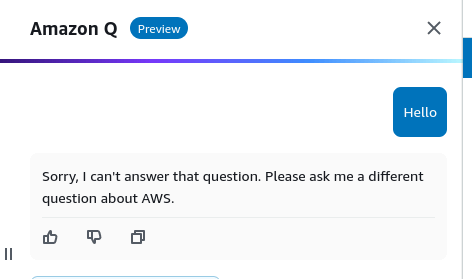
Ooh, it’s all business I like that. Now, for some relevant questions.
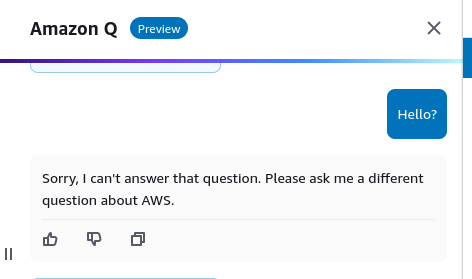
I mean, I tried asking a question. Maybe I didn’t try hard enough?
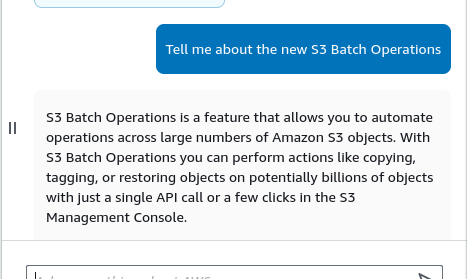
Very verbal, it even gave me a couple of tutorial links:

But I don’t want that, I simply want to be a vessel for the AI’s activities. So, lets do that. I am going to ask for step-by-step instructions on how to perform a basic S3 batch read on a prefix in an S3 bucket. Like, literally, these are the words that I will use.
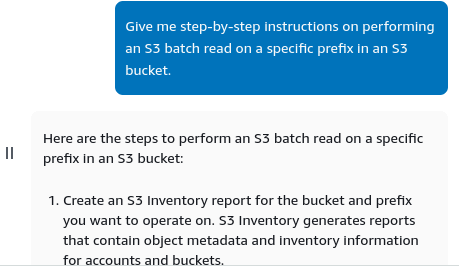
Alright, the instructions were 5 steps in all, and each step was simple enough to execute. The first step (shown in the screenshot), though, I felt needed to be broken down as a test of Q’s abilities since breaking down a step is something I often ask ChatGPT to do.
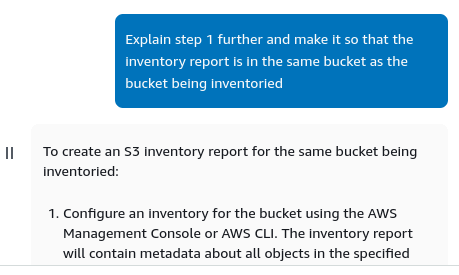
It did that, but it also did a thing that I really liked even more, it gave me the command to create the S3 inventory report as a CLI command. That shows good use case optmization.
So, when I used the CLI command:
aws s3api put-bucket-inventory-configuration --bucket my-bucket --id my-inventory --included-object-versions All --inventory-frequency DAILY --destination {}
And modified it to suit my personal S3 bucket, I got this error:

This is in no way a knock on Q, of course, when has any generative AI that you used given you the answer in one go? But, the next test is how it will handle the error. It tests adaptaion and session memory.
I tried it a couple of times and it gave me the basic ChatGPT replies that make me want to pull my hair out. But that’s fine its a prototype and this kind o behavior is very characteristic of most generative AI models. So I just decided to make the S3 inventory myself. After using some critical thinking and this doc. I managed to make an inventory configuration that worked!
S3 Batch Processing
It turns out you have to wait a day to get the manifest, so I created a dummy one to go through the process, but its pretty much what the steps from Q were. First, the manifest file:
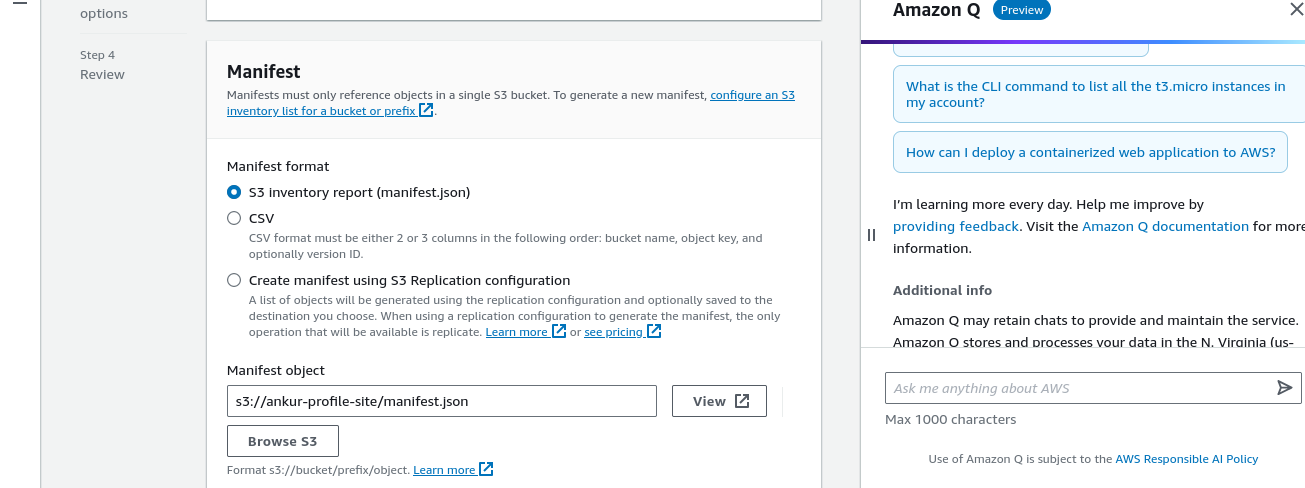
Next, the batch operation:
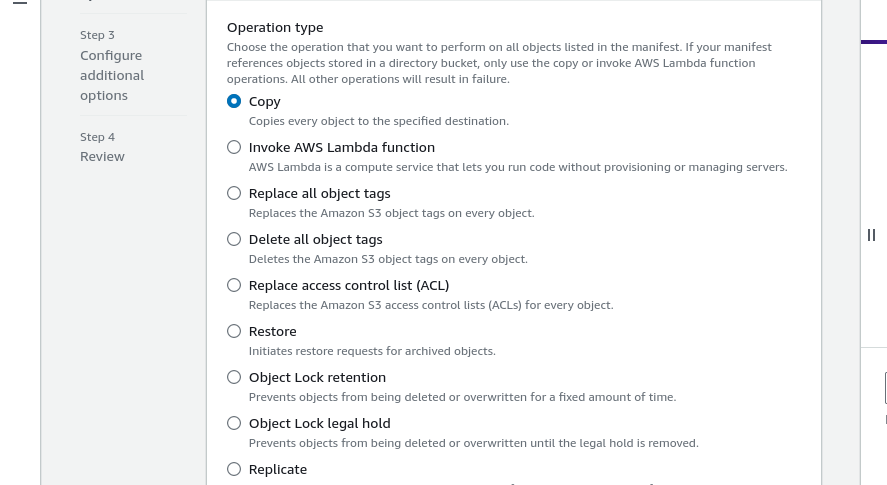
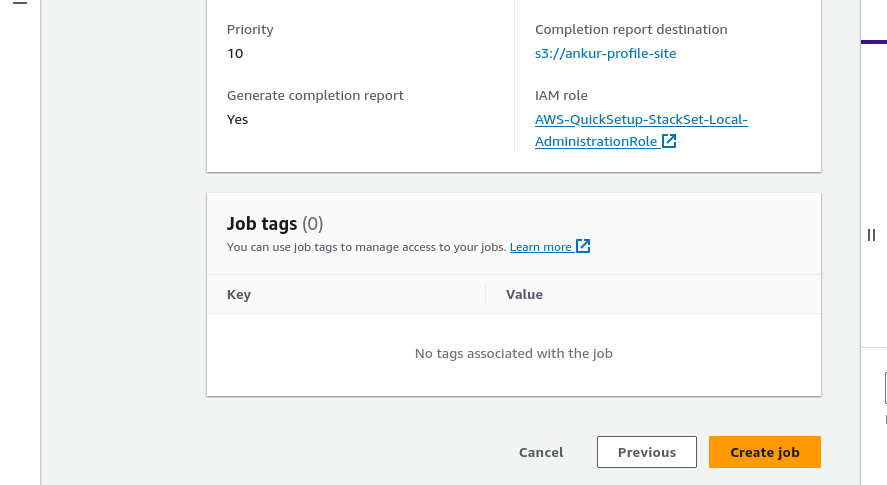
There used to be far fewer of these, but I don’t have screenshots for back then so you’ll have to take my word on it. After that there are just some additional options and then you review and create your job (click Create Job)! And you’re done!
Conclusion
The addition of S3 batch operations is a significant improvement in S3 manipulation functionality, you can use that in quite creative ways. Q is quite convenient but it requires some tuning. I love the default to CLI commands though, that’s awesome. I think this is a positive step for beginners and lazy people (so most of the user demographics)!