

🤗(that’s their official name and that’s what I’m using) is a company and AI community that develops tools for building machine learning applications. They are most notable known for their transformers library which is the leading open-source library for Natural Language Processing.
🤗 is constantly looking for ways to innovate and expand on their open source offerings and have recently come up with an image generating AI library known as transformer agents (link here). I decided to try and apply this new library to scratch my creative itch and see if I could create a method which helps facilitate visual concept creation with 🤗’s libraries.
Initial setup
The initial setup required research into two things: the agents library and storyboarding. Both presented challenges and exciting learning opportunities.
Agents library
I decided to load the agents library into Sagemaker Studio Lab (quick link). It’s an interesting free tool, it’ll help you if you’re working on a VM exclusive notebook on AWS, GCP etc. So, if you want to do a bit of practice with notebook instances for free, try it out.
I created a repo, and then I imported that repository into Sagemaker Studio Lab.
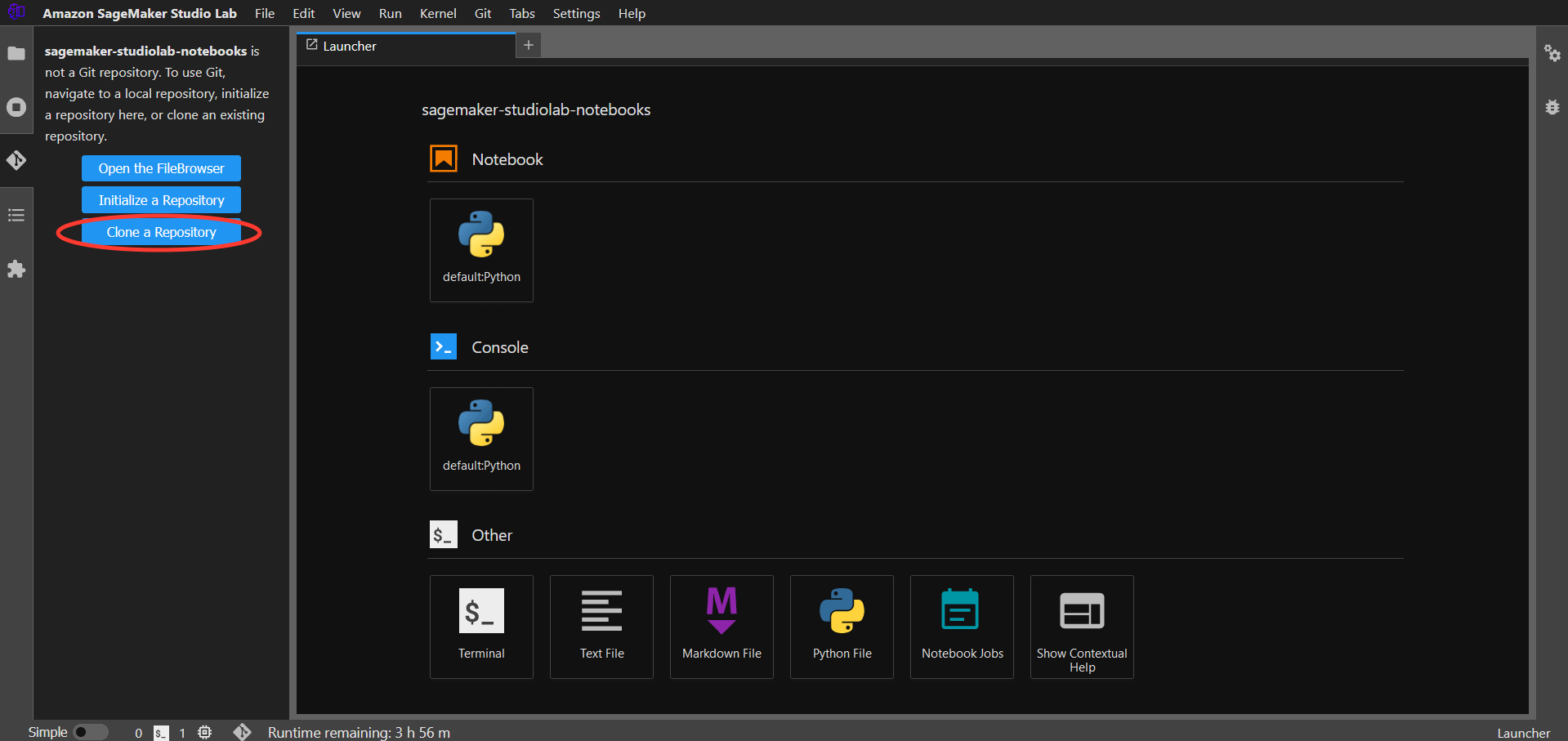
I created a Jupyter Notebook and in that notebook I first installed the necessary libraries:
!pip install huggingface_hub
!pip install transformers[agents]
Then, I used the huggingface_hub library to use the login token to log in to the 🤗 website for API use:
from huggingface_hub import login
login("<your_key_here>")
After that I initialized the huggingface Starcode agent (you can use OpenAI agents too but that requires API keys):
from transformers import HfAgent
agent = HfAgent("https://api-inference.huggingface.co/models/bigcode/starcoderbase")
Then, after a lot of trial and error, I finally managed to find the perfect prompt structure (use it this way if you want it to work every time):
agent.run("Draw me a picture of `prompt`", prompt="a capybara swimming in the sea")
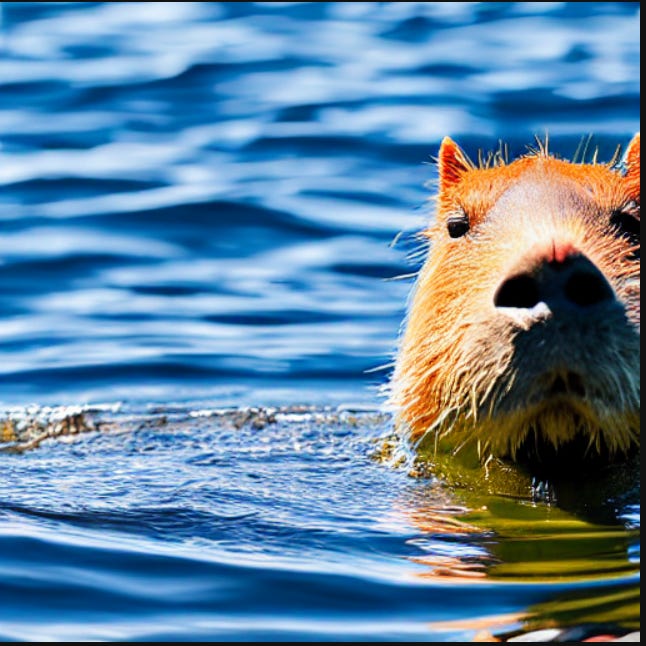
I tried modifying the prompt slightly:
agent.run("Draw me a picture of `prompt`", prompt="a capybara swimming in the sea, fisheye lens")
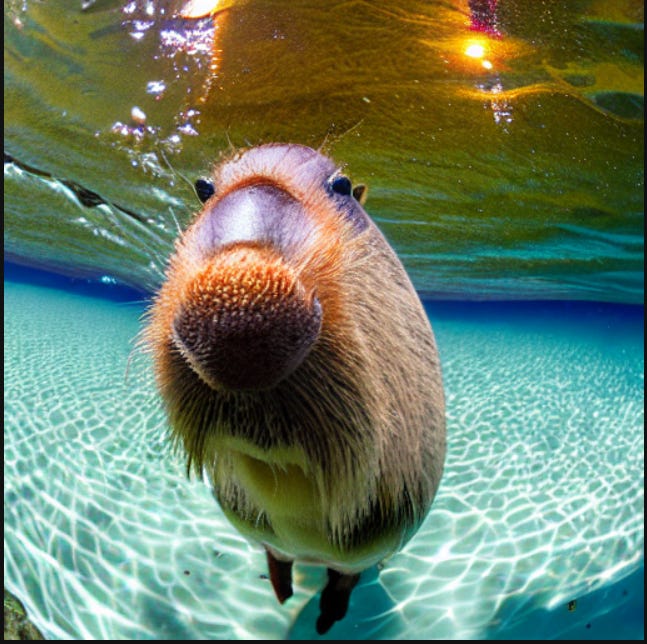
This confirmed that I could change camera angles, very useful for storyboarding.
Side note: I had initally used a CPU run time which required 5 mins to render an image. With a GPU runtime: 5 seconds.
Storyboarding
The concept of storyboarding or concept art is a fairly abstract one. To put it into computer science terms, it is a static placeholder code (storyboard art) meant to be replaced with some dynamic code down the line in the project (film scene). It can be boiled down to a simple sentence: “A character is somewhere doing something”. Of the three - character, somewhere and something - at least two are needed for a scene. For example:
A character doing something: A man picks a lock.
Something somewhere: Establishing shot of a location.
A character somewhere: A man in the desert.
Most scenes, though, tend to have all three. And as I said, storyboards can vary among a range of directors. This is Rian Johnson’s storyboard for Knives Out (scene for reference):
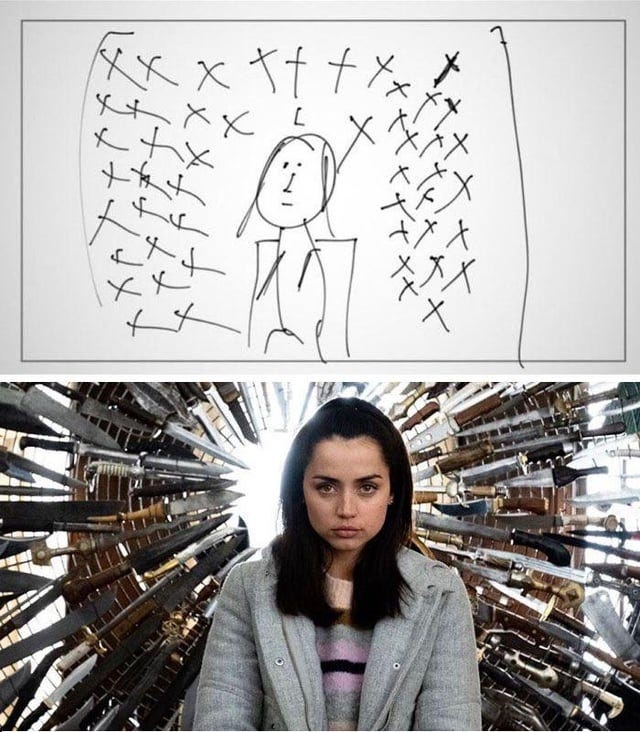
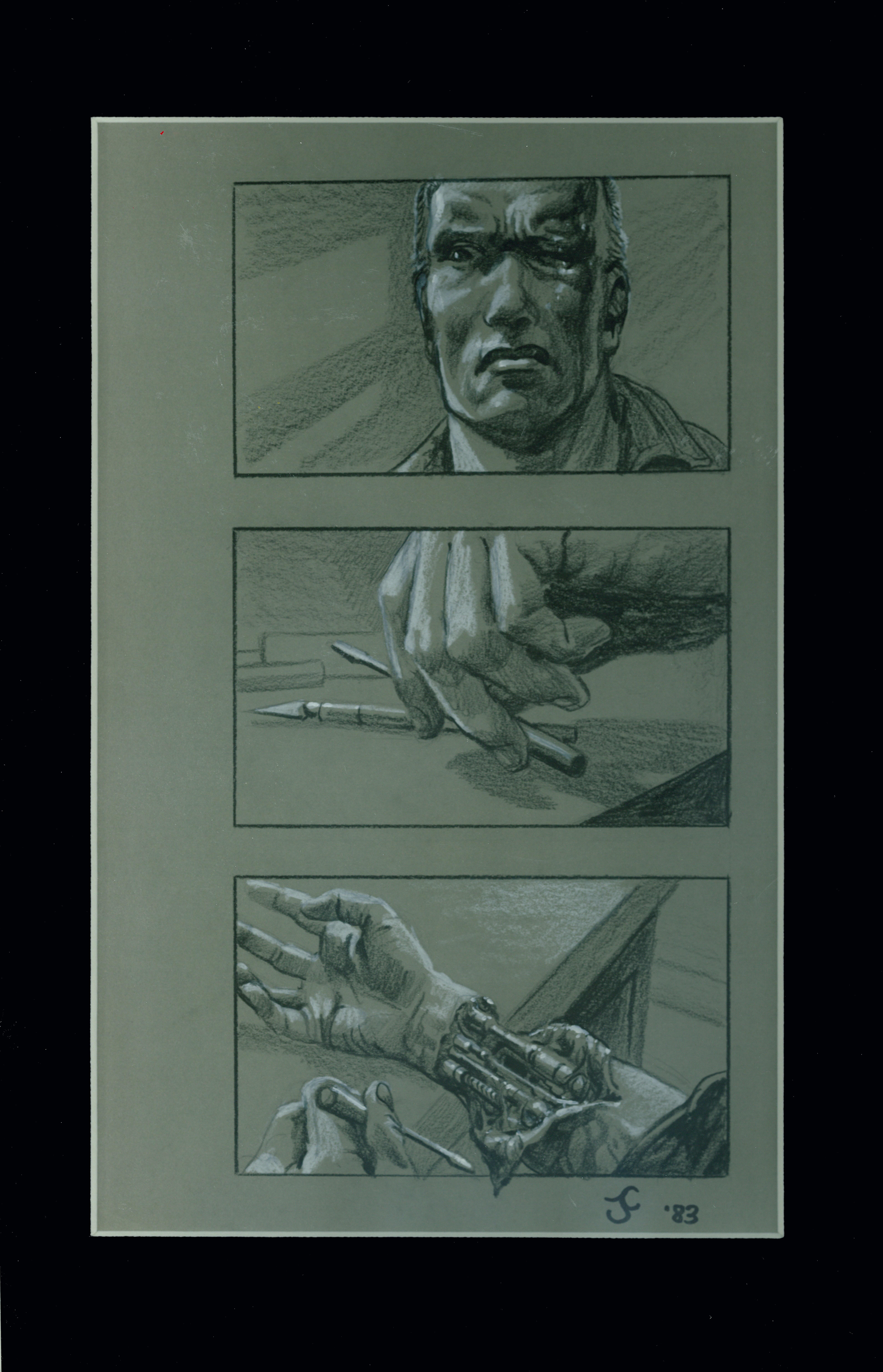
And this is James Cameron’s storyboard for The Terminator:
The Wachowskis famously had a 600 page storyboard that they used to pitch the Matrix. So, take that as you will.
So, based on these, I wrote some prompts and tried to recreate not the scenes, but the storyboard.
Knives Out:
agent.run("Draw me a picture of the `prompt`", prompt="face close up of a short-haired girl in a sweater sitting down surrounded by knives in a circle around her head in the background")
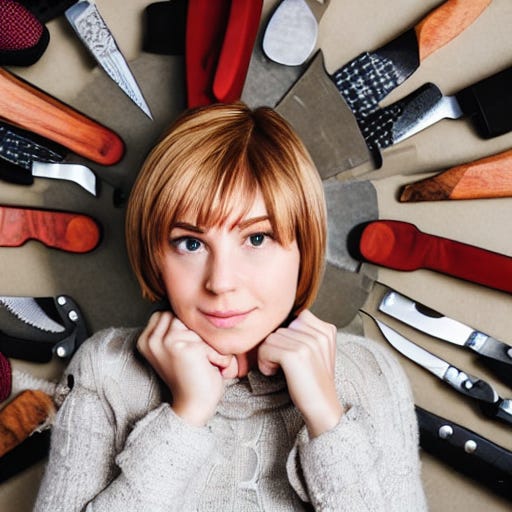
Fairly accurate, I’d say. Maybe I should have added, a worried expression?
Now, for the Terminator scene:
agent.run("Draw me a picture of the `prompt`", prompt="close up of a man's hand from the side picking up a scalpel")
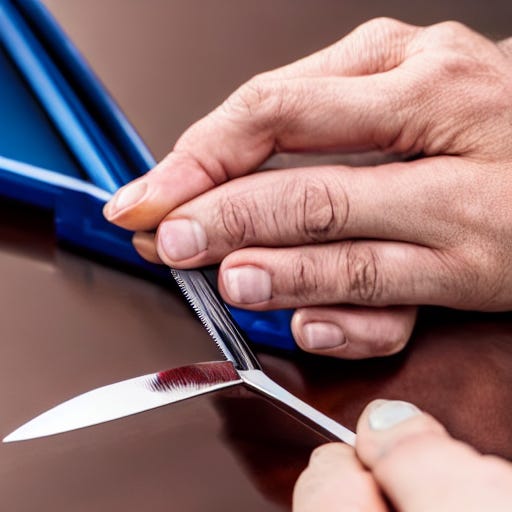
Incredibly weird, and it took a bit of effort, but the concept’s there.
So, upto a rudimentary point, we have managed to generate some storyboard material.
Let’s write the prompt function
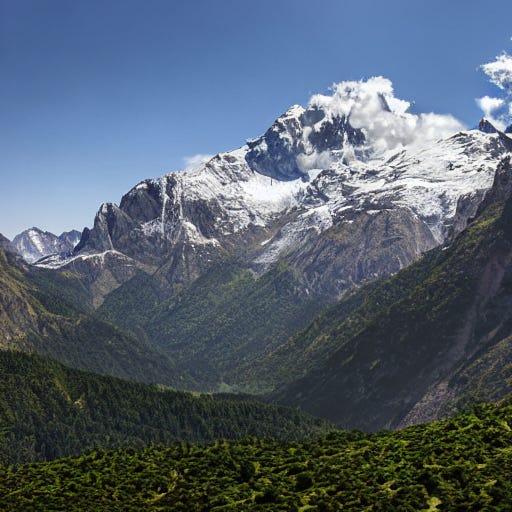
Now, I decided that it would be easier to iterate if we used a agent.chat() instead of agent.run() since this would allow the agent to retain previous state information and build on that. For example, for the intial prompt:
agent.chat("Draw me a picture of the `prompt`", prompt="mountain range")
And then adding to the chat:
agent.chat("Change the picture to `prompt`", prompt="be at night")
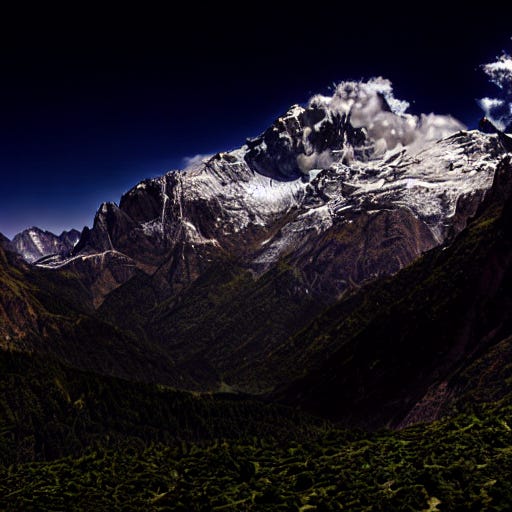
And then:
agent.chat("Change the picture to `prompt`", prompt="be in the desert")

We can build on our initial concept.
The prompt function would require three things initially: character description, location description and an action. With these three things, you could create a proper prompt for the initial scene.
So, let’s use a simple prompt for our opening scene:
agent.chat("Draw me a picture of `prompt`", prompt="a man looking on form the hills at a sprawling metropolis at sunset")

Look at that, absolutely beautiful. Let’s modify it just a tad.
agent.chat("Change the picture to `prompt`", prompt="have the man wearing red shoes")
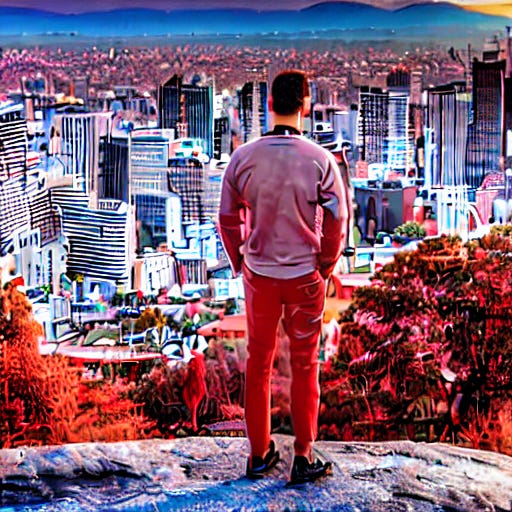
A little too much red there. Let’s add a stadium in the middle.
agent.chat("Change the picture to `prompt`", prompt="have a giant stadium in the middle")
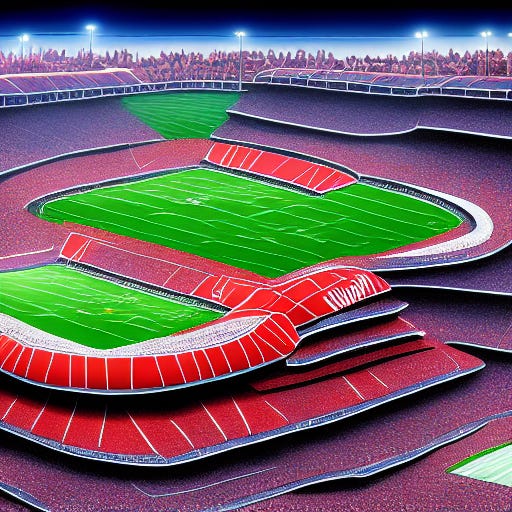
Too much stadium there. Then again, it’s not an exact art. Let’s reset:

That’s actually better than before. Let’s just add one more thing:
agent.chat("Change the picture to `prompt`", prompt="have the man hold a camera")

Not bad.
Conclusion
Well, it’s a work in progress, still a new technology and not optimized in any way by me. So, given all of that, I’d say the results were quite good. After all, that’s what a story board is it gives us a rough outline of what will appear on the silver screen. There is a movement against the use of ChatGPT in screenwriting that has resulted in the Writer’s Guild of America going on strike with one of their conditions being no AI written screenplays.
I’m inclined to agree with them, all AI screenplays would be quite boring. But for things like this, I would say that AI can contribute positively to the creative process. A little bit of prompt engineering saves a lot of time. It saved me time on making the thumbnail for this blog.
If you want to check out the repository for this project, look through this link: https://github.com/ankurr0y/storyboarding-agent/blob/main/agent.ipynb